We're here to help
Get
Help.
Questions. Issues. Support. Let's get you back to playing.
01 / PLAYER HELP
Player support
Game not working the way it should? Tell us what happened.
Get help ↗︎ 02 / SOMETHING BROKEBug reports
Found an issue? Help us understand it and make the game better.
Report a bug ↗︎ 03 / PURCHASE HELPPurchase issues
Missing an item, restoration trouble, or a payment question?
View support ↗︎ 04 / SAY HELLOPress & business
Media, partnerships, collaboration, or something else?
Contact us ↗︎ 01 / ARCADE SURVIVAL
Neon
HordeSurvivor
Survive. Evolve.Outlast the horde.Get help ↗︎
 02 / ARCADE
FissionNeon tunnel
Split. Merge.Survive. Repeat.Get help ↗︎
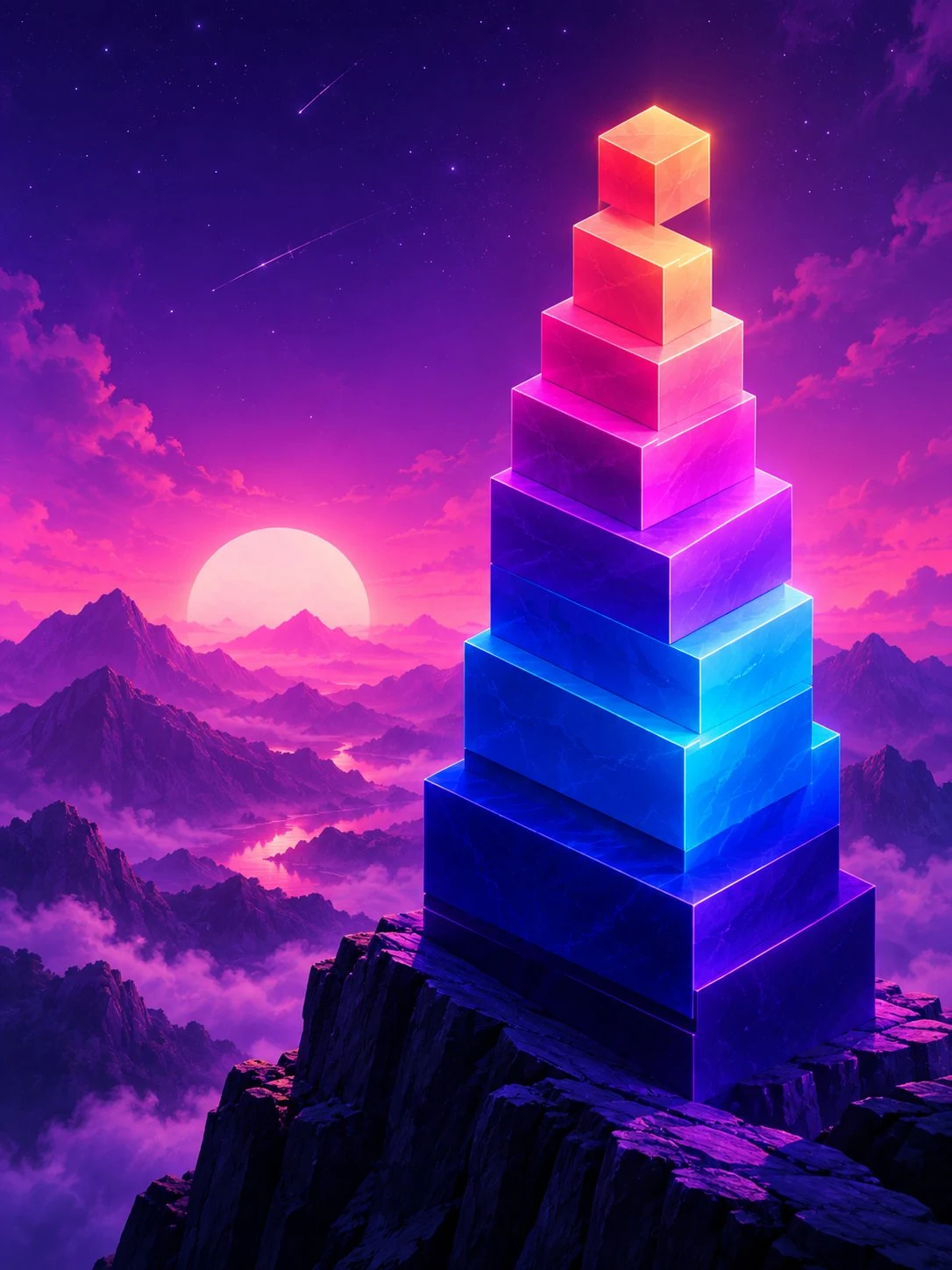 03 / PRECISION
StackTower builder
Build higher.Miss smaller.Get help ↗︎
 04 / LIGHT RUNNER
Lumen
Expand your light.Survive the dark.Get help ↗︎
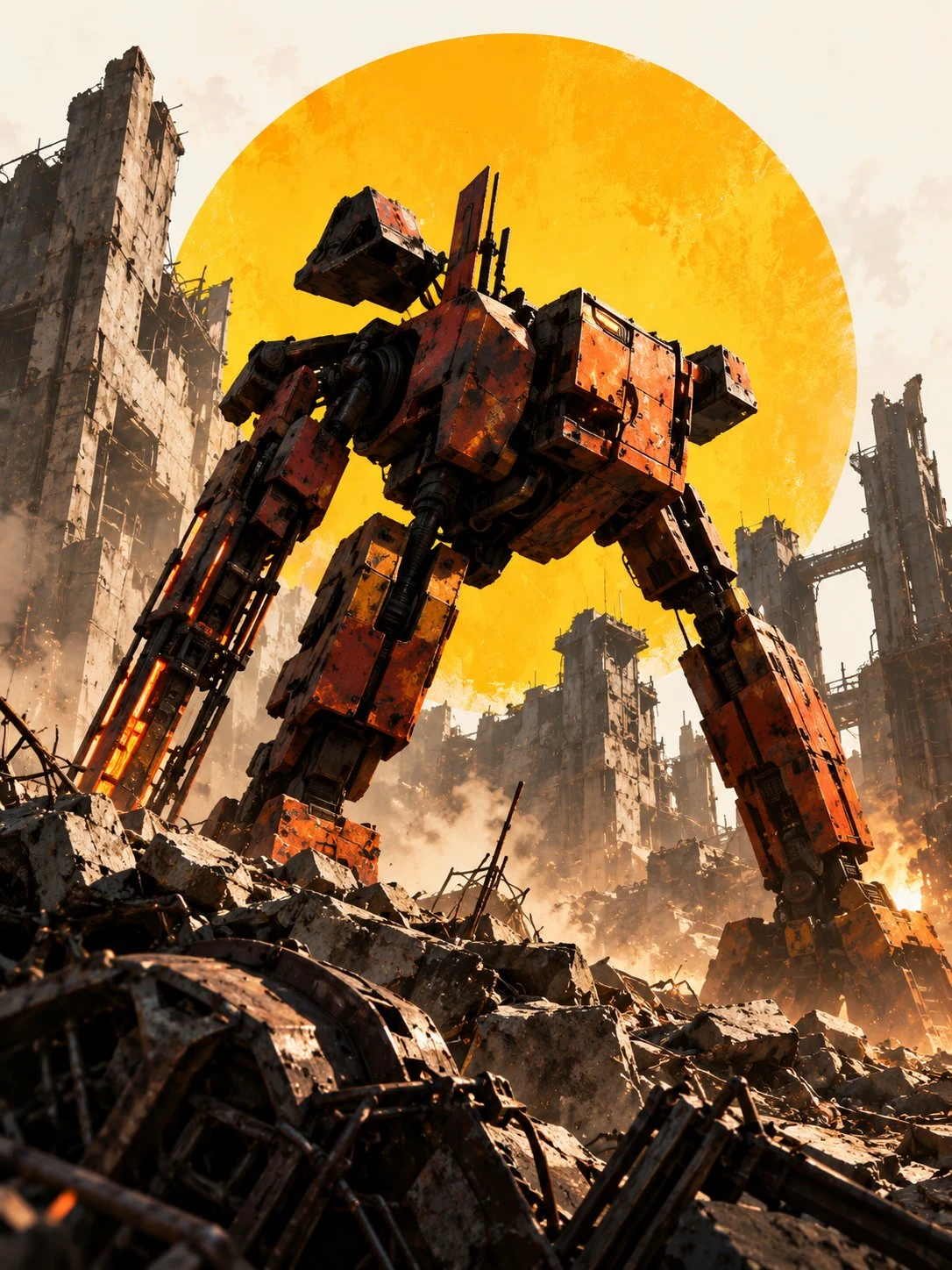 05 / SURVIVAL
Wreckage
Your failures.Your arsenal.Get help ↗︎
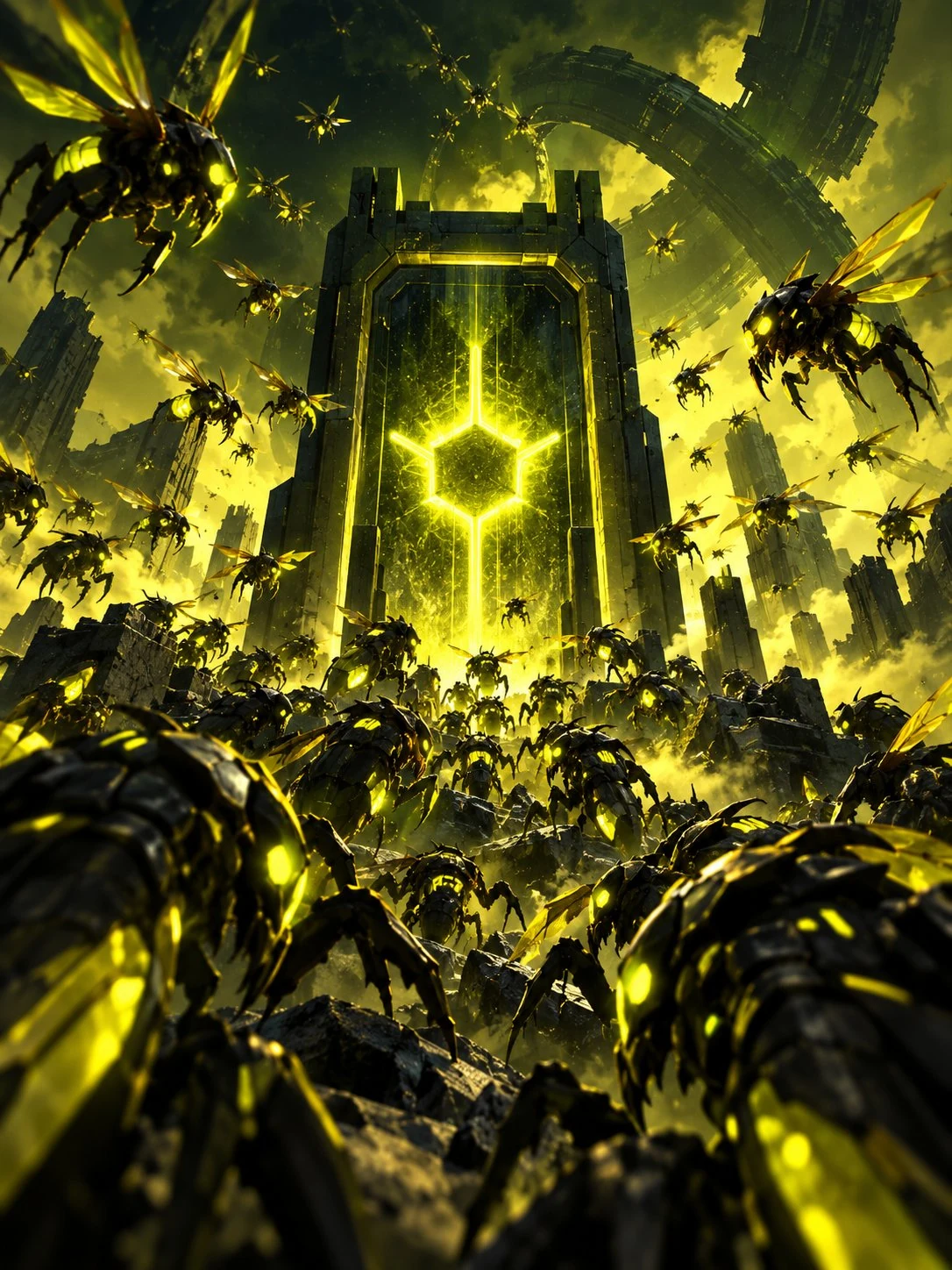 06 / SWARM
Hive
Build. Defend.Evolve. Swarm.Get help ↗︎
02 / Answers without the wait
Frequently
asked
questions.
Start here for common questions. Still stuck? Your message goes straight to the contact details below.
Ask us directly01How do I restore an in-app purchase?
Open the game’s Store or Settings screen and look for Restore Purchases if it is available. Make sure you are signed in to the Apple or Google account used for the original purchase. If your purchase still does not appear, contact us with the game, platform and purchase date. Please do not send card numbers or passwords.
02My game won’t launch. What should I try?
Check that your game and device software are up to date, close and reopen the app, and restart your device. Before deleting the app, check whether your progress is saved or synced—uninstalling may erase local saves. If the issue continues, tell us your device, operating-system version, game and what happens when you open it.
03I'm having performance or control issues.
Try restarting the app, closing other demanding apps, and checking available device storage. Include your device model, operating system, the game, and the specific moment the issue occurs. A short screen recording can be helpful, but is not required.
04Is every game available on iOS and Android?
Availability can vary by game and region. Check the game’s official page or its linked store listing for supported platforms and the latest availability. If you can't find your device, contact us with the game you’re interested in.
05How can I report a bug?
Select Bug report below and include what you were doing, what you expected, what happened instead, and whether you can reproduce it. If relevant, include device and OS details. Screenshots are useful; the email draft opens in Gmail, where you can attach them.
06Who should I contact about refunds?
Purchases made through Apple’s App Store or Google Play may need to be refunded through that store's purchase-help process. If you are unsure where your purchase was processed, send us the game, platform and approximate date so we can help identify the next step.
07Where can I share feedback or a game idea?
We welcome feedback about controls, difficulty, visual clarity, and what you enjoyed or found frustrating. Select General feedback in the contact form and tell us which game you played.
No matching questions. Send us a message ↗︎
Still need a hand?Go to support form ↗︎
03 / Contact the studio
WE'RE
LISTENING.
Tell us what's happening, and include the details that help us understand your experience.
Prefer a blank email?Open Gmail ↗︎
YOUR MESSAGE / 01
Fields marked * are required.